The closest Cal AI alternatives are kkal.ai, YAZIO, Lifesum, Lose It! and FatSecret, since all five can log a meal from a photo. MyFitnessPal has a photo feature too, but it bought Cal AI, so it isn't really a move away from the same company. If you're leaving because of the price, check the terms first: Cal AI's App Store listing says scan results require a subscription, and four of the alternatives above also keep photo logging in a paid plan.
One thing to know before you read on: we make kkal.ai. It costs nothing to download, and optional Kkal Pro subscriptions unlock extra features. Everything we say about the other apps comes from their own help pages and store listings, read on November 5, 2026. Plans change, so look again before you pay.
Cal AI alternatives compared
Each row below is what the company itself claims. Accuracy is a separate question, and we get to it further down.
| App | Photo logging | Other ways to log | Where photo logging sits |
|---|---|---|---|
| kkal.ai | Yes | Barcode, manual entry, editing ingredients | Free download; optional Kkal Pro, with plans and prices shown in the app |
| YAZIO | AI food tracking | Food database, recipes | Part of Yazio Pro; it started out free for everyone |
| Lifesum | Yes | Voice, text, barcode | Listing says free use has limited features, so check whether photos are included |
| Lose It! | Snap It | Food database, barcode, voice | Premium only, and only with the device language set to English |
| FatSecret | Smart Food Scan | Food search, barcode | Premium |
| MyFitnessPal | Meal Scan | Food search, barcode, voice | Premium, like its barcode scanner; same owner as Cal AI |
About that ownership: TechCrunch reported in March 2026 that MyFitnessPal had acquired Cal AI, that Cal AI stays a separate app, and that it now uses the MyFitnessPal food database. So trying MyFitnessPal after Cal AI gets you a different app from the same business.
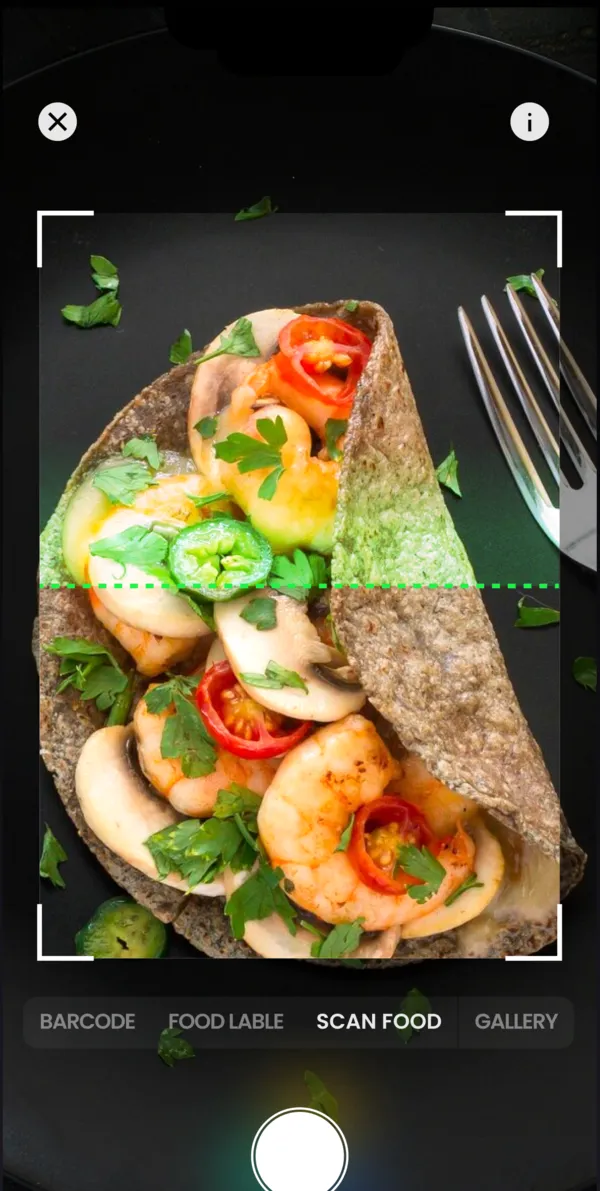
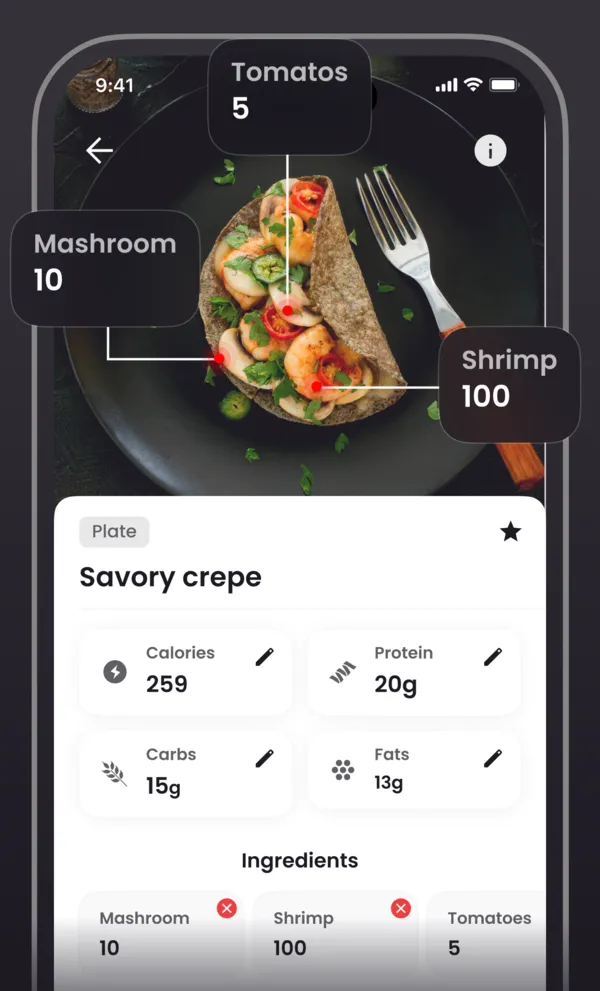
Picking by habit beats counting features. Fast on a schedule? Yazio Pro has 16:8, 5:2 and other plans. Want meal plans with grocery lists? Lifesum's listing offers those. Fine with typing and just need a diary? FatSecret will do. Prefer a photo first and then fixing the grams of each ingredient? We built kkal.ai around that.
Is there a free Cal AI alternative?
"Apps like Cal AI but free" is one of the top Google suggestions, and the short reply is: free to install, yes; free to scan, rarely. Every app in the table costs nothing to download. You usually meet the price later, sometimes between taking the photo and seeing the result.
Prices and limits move around by country, so try it on your own phone. Install, finish the setup, scan your lunch. Calories and macros on screen and nobody asked for a card? Good, that part is free today. Got a trial screen instead? Look for the renewal date and the local price on it before you tap.
Don't mind typing? Then you have more options. MyFitnessPal's free plan covers food and exercise logging, and FatSecret has a free diary. No camera, same count. For more on those two, see our FatSecret alternatives guide.
And the cracked APKs that turn up in search? Leave them alone. They come from outside the store, you can't see what somebody changed inside, and that build would get your login and your eating records.
How accurate are photo calorie apps?
Less accurate than the ads suggest, and that goes for the whole category. Researchers at the US National Institutes of Health ran photos of 102 meals through MyFitnessPal, Lose It!, Cal AI and Appediet. The ingredients in those meals had been weighed to the nearest 0.1 g. On average, all four apps came in 250 to 345 kcal too low per meal, and about 30 g too low on fat. Carbs were estimated more consistently than the other macros.
Keep two caveats in mind. The results were presented at a conference in July 2026, so they stay preliminary until a peer-reviewed paper comes out. Our app wasn't among the four, and we'd be kidding ourselves to think it's immune: no camera can see the oil in the pan or the butter in the sauce. We have no independent accuracy figure for kkal.ai, so you won't find one here.
For your choice, that shifts the question. Forget how clever the first number looks and ask how fast you can fix it. Our piece on how photo calorie counting works shows the usual trouble spots: sauces, mixed dishes, portions.
How to test a Cal AI alternative in a week
- Write down why you want out. Too expensive, wrong numbers, no app in your language. Judge the new one on that first.
- Make one meal you can weigh. Weigh the raw ingredients, including the oil, and work out the total as described in how to calculate calories in homemade food. Now you have a reference number.
- Photograph the same plate in two apps. Write down each first result before you touch anything.
- Correct both entries. Change the portion, add the oil, swap a wrong ingredient. Notice how many taps it takes and how close you get to your number.
- Note where the paywall came up. At the scan, at the result, at the edit, or nowhere? Compare that, not the store's "free" label.
- Log normal days. Throw in a restaurant meal and something from your own kitchen. Which diary do you still open on day five? Keep that one. The food diary guide explains how to read a week of entries.
Android, language and country
Went looking for a Cal AI alternative for Android? Cal AI is on Google Play already, so that alone isn't a reason to move. Our app is there too, and in the App Store.
Language is a stronger argument. Cal AI's App Store page shows 15 languages: Russian, Spanish and Romanian are in, Kazakh, Armenian and Georgian are out. Ours shows all six. Snap It wants a phone set to English. Then there's the food itself, so try the scanner on dolma or plov and not on a salad any app would get.
Country matters as well. On November 5, 2026, Apple's store lookup for Russia returned YAZIO, while Cal AI, MyFitnessPal and Lose It! came back empty. Even a listing doesn't prove the online features will run on your connection, and we include kkal.ai in that. Try the photo analysis where you live before paying anyone.
If you're leaving Cal AI, cancel first
Deleting the app doesn't end the subscription. Cal AI's own FAQ warns that the charges keep coming until you cancel: on iPhone under Subscriptions in Settings, on Android under Payments & subscriptions in Google Play. For refunds on store purchases, you deal with Apple or Google.
Don't count on your history moving across, because we can't confirm an automatic import from Cal AI into kkal.ai. Starting over takes only a few minutes, though. Get a calorie target from how many calories you need per day, then set protein, carbs and fat with the macro calculator. Want the old numbers? Write down your current goals and weight before you cancel, and screenshot a typical week if you'd like to compare it later with the new diary.