Cronometer, FatSecret and YAZIO still scan barcodes on their free plans, according to their own sites, and that's the feature most people lose when they drop MyFitnessPal Premium. Cronometer fits you if vitamins and minerals interest you as much as calories. FatSecret and YAZIO feel closer to the diary you're used to. The scanner in Lose It! is heading to Premium as well, its help center says, so it doesn't fix this particular problem.
A disclosure before the table: kkal.ai is our app. It has a barcode scanner, it can start a meal from a photo, and the download is free, with Kkal Pro plans shown inside. Our notes on the other apps come from their help pages and store listings, read between November 7 and 11, 2026. Plans change, so look again before paying.
What changed in MyFitnessPal
Logging food is still free, and so is the basic view of where your calories and macros come from. MyFitnessPal's own comparison of its plans puts the faster tools in Premium: Meal Scan and the barcode scanner, plus deeper nutrition breakdowns, goals by meal or by day and an app without ads. Premium+ adds meal plans and a grocery list on top of that.
The US App Store lists Premium at $19.99 a month or $79.99 a year, and prices in other countries differ. Language matters as well. MyFitnessPal's listing includes Russian and Spanish but not Romanian, Kazakh, Armenian or Georgian, and the app isn't in the Russian App Store at all. You'll still find it in the stores of Kazakhstan, Armenia, Georgia, Romania and Spain.
MyFitnessPal alternatives compared
Every row repeats the company's own description of its free and paid plans, and the last column comes from the App Store listings.
| App | Barcode scanner on the free plan | Photo logging | Good to know |
|---|---|---|---|
| Cronometer | Yes, unlimited | Gold only | Tracks up to 95 nutrients for free; not in the Russian App Store, and the listing shows no Russian or Spanish interface |
| FatSecret | Yes | Smart Food Scan, Premium | Russian and Spanish interface; in the Russian App Store |
| YAZIO | Yes | AI food tracking, Pro | Russian and Spanish interface; in the Russian App Store |
| kkal.ai | Yes | Yes; Kkal Pro plans are shown in the app | Interface in Russian, Spanish, Romanian, Kazakh, Armenian and Georgian, among others |
| Lose It! | Only with an English device language, and moving to Premium | Snap It, Premium | Not in the Russian App Store |
| MyFitnessPal | No, Premium | Meal Scan, Premium | Not in the Russian App Store |
What to check before you switch
The table covers plans and prices. These five things decide whether you'll still be using the new app a month from now.
- Your own groceries. A database that's huge for American shops can be thin on the brands in yours. Search for five things you buy every week and see what comes up.
- The scanner, before any upgrade screen. Open it on day one. If the app asks you to pay first, you have your answer.
- The language of the app. Food names in your own language make search quicker, and the store listing says which languages are supported.
- Ads. Some free plans carry them. If you can live with them for a few weeks of logging, there's no hurry to pay.
- An export. Months of meals are hard to move by hand, so find the export option in the help center first, kkal.ai's included.
If you're in Russia, Kazakhstan, Armenia or Georgia
Store availability narrows the list fast. The Russian App Store has no MyFitnessPal, Lose It! or Cronometer, which leaves FatSecret, YAZIO and kkal.ai to compare. In Kazakhstan, Armenia and Georgia all six are listed, and there the interface language is the bigger difference. Of these apps, only kkal.ai lists Kazakh, Armenian and Georgian in its App Store entry.
Searching for food in your own language every day counts for more than a feature you use once a month. And being listed in a store says nothing about how an app behaves on your network, so run the test day below before you pay.
How to choose without paying twice
A table only gets you so far. One ordinary day logged in two apps tells you more, and it costs nothing when both have a free plan.
- List what you used every day in MyFitnessPal. Barcode scans, saved recipes, macros by meal, step sync: write down whatever you'd miss by the second day.
- Pick two apps from the table that have those things on their free plan.
- Scan the three packaged foods you buy most. Local brands are where databases differ, so check that each product turns up and that its numbers match the label.
- Log one home-cooked dish in both apps the way you normally would: by ingredients, from a saved recipe or from a photo.
- Compare the totals for the day. A gap of a few percent is normal. A missing meal or a doubled portion isn't.
- Check the store and the language where you live, and only then decide whether a paid plan is worth it.
Which alternative fits which habit
- You read the micronutrient panel. Cronometer is built around it, and its free plan already covers vitamins and minerals.
- You liked MyFitnessPal's diary and its community. FatSecret has a similar food diary and a community, and its scanner is free.
- You want more structure around the diary. YAZIO gives you the diary and the scanner for free; the photo feature and several extras sit in Pro.
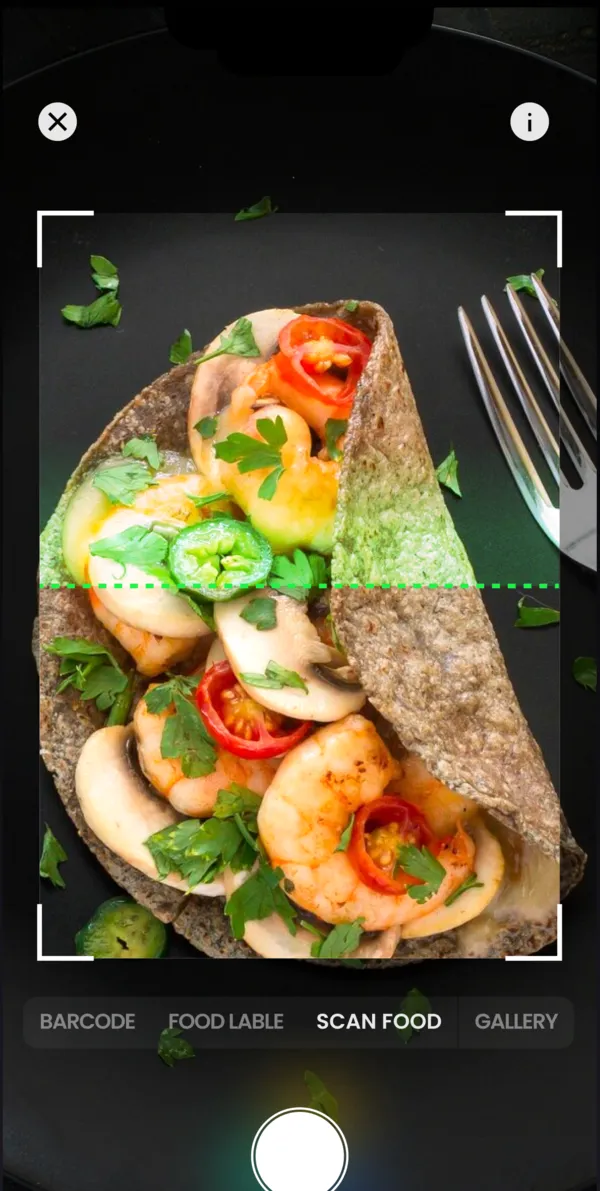
- You'd rather photograph a plate than search for it. Then try kkal.ai: it starts from the photo and shows the grams of each ingredient so you can fix them, with packaged food going through the barcode scanner.
- Your phone is set to English and you still have Scan It. Then Lose It! keeps working for now, though its help center says the scanner is on its way to Premium.
Before you leave MyFitnessPal
Write down your calorie and macro targets, your current weight and the custom foods and recipes you log most often. Rebuilding them in a new app takes about ten minutes, as long as you have the list. A screenshot of your weight graph helps too, if you like seeing the trend carry on. Look up the export options for your plan in MyFitnessPal's help center before you cancel, not after.
If you pay through the App Store or Google Play, cancel the subscription there. Deleting the app doesn't stop the billing.
New app, same habit: our food diary guide covers what's worth recording. For fresh targets, the macro calculator takes a minute, and counting macros explains the numbers it gives you.
A word on scanner accuracy
A barcode scan is only as good as the entry behind it. Some entries come from manufacturers and some from other users, and the same product can turn up twice with different numbers. So the first time you scan something, hold the pack next to your phone and compare calories and serving size with the label. If they don't match, fix the entry or choose another one. Watch the serving size in particular: a label may count 30 g while the entry counts 100 g, and then the calories look more than three times too high. You only have to do it once per product.
Photo logging is its own question, with different price terms in every app; our comparison of photo calorie apps covers it. For FatSecret or YAZIO side by side with the others, see FatSecret alternatives and YAZIO alternatives.